
Expense Analysis
Search and filter individual expense records by ingredient, cashier, or date.
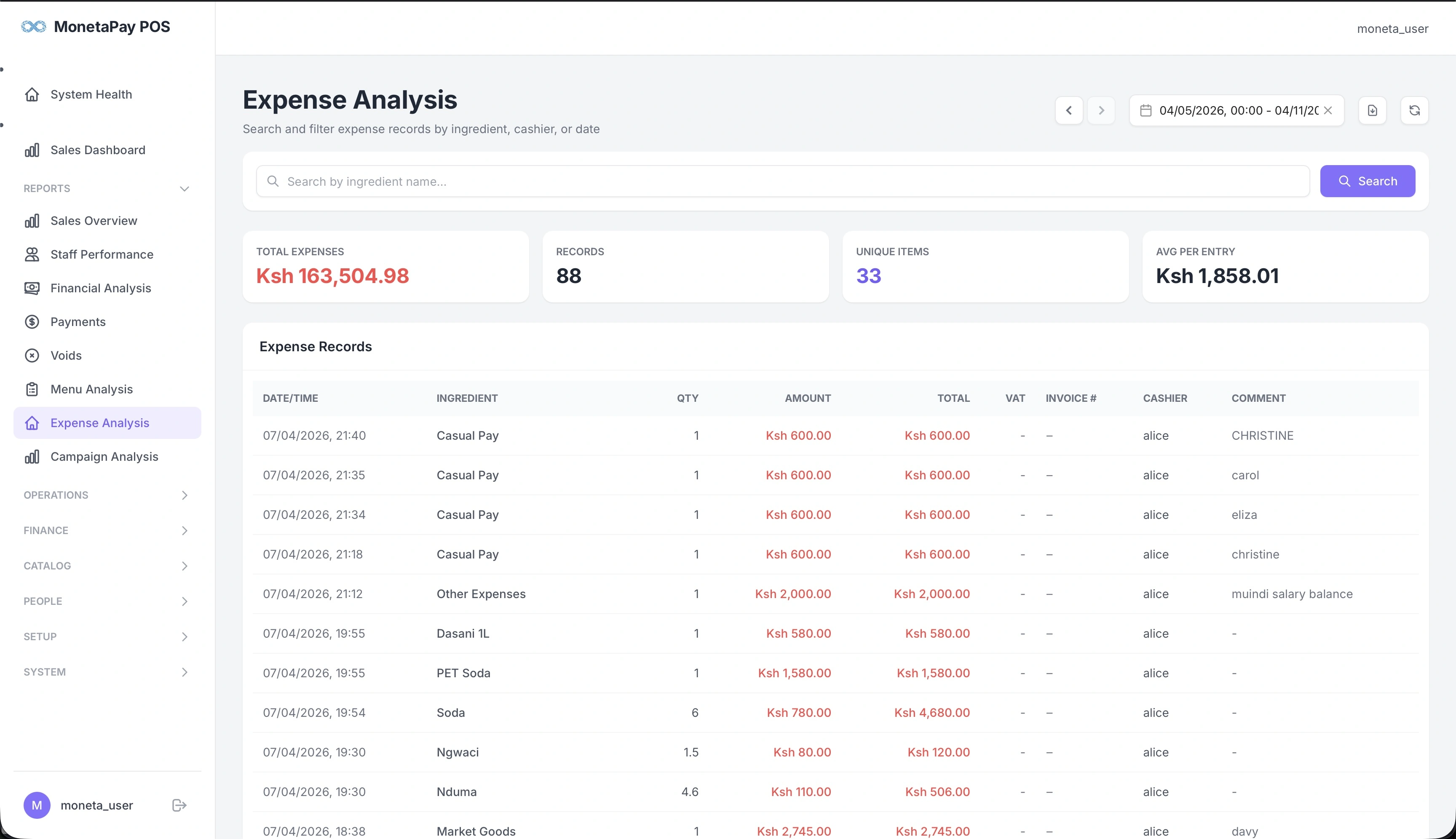
Overview
Expense Analysis lets you drill into individual expense entries. While Financial Analysis shows summary totals and cash reconciliation, this page gives you the raw expense records — every purchase, every ingredient, every cashier.
Use this page to:
- Search for expenses by ingredient name (e.g., "Beef", "Casual Pay")
- Audit individual expense entries
- Check which cashier recorded each expense
- Verify quantities, amounts, and VAT
- Review invoice numbers and comments
TIP
This page is available to Admin users only.
What You'll See
Summary Cards
| Card | What It Shows |
|---|---|
| Total Expenses | Sum of all expenses in the selected period |
| Records | Number of individual expense entries |
| Unique Items | How many different ingredients/expense types were recorded |
| Avg Per Entry | Average expense amount per record |
Search
Use the search box to filter by ingredient name. Click Search to apply the filter. This is useful when investigating spending on a specific ingredient over time.
Expense Records Table
A detailed list of every expense entry:
| Column | Description |
|---|---|
| Date/Time | When the expense was recorded |
| Ingredient | What was purchased (e.g., Casual Pay, Soda, Beef, Other Expenses) |
| Qty | Quantity purchased |
| Amount | Unit price |
| Total | Total cost (qty × amount) |
| VAT | VAT amount if applicable |
| Invoice # | Supplier invoice reference |
| Cashier | Who recorded the expense |
| Comment | Additional notes (e.g., "mundi salary balance", "float book") |