
Ingredients
Manage ingredients used for expense tracking and stock management.
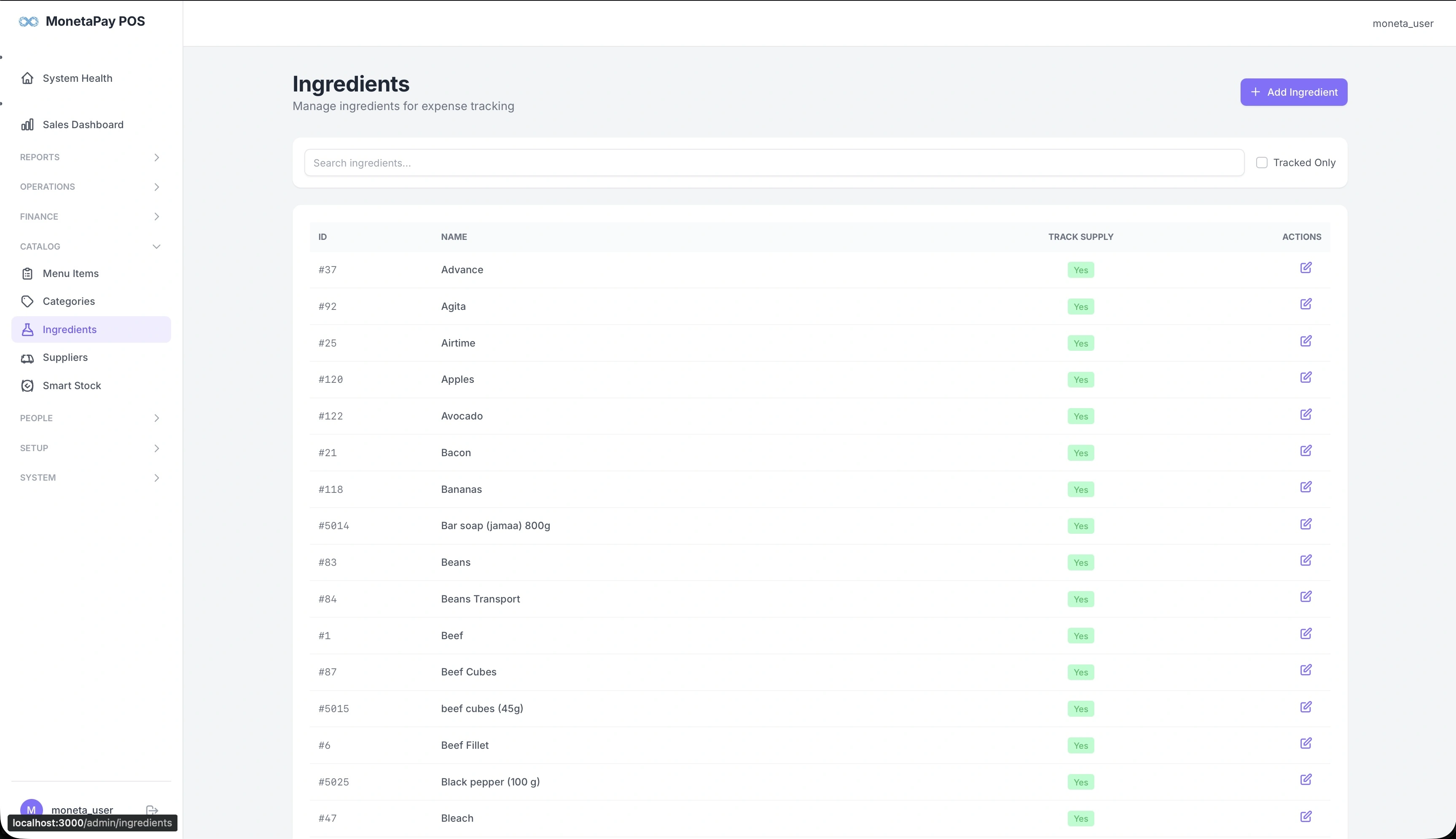
Overview
Ingredients are the raw materials your restaurant purchases — beef, eggs, cooking oil, cleaning supplies, and so on. When cashiers record expenses on the POS, they select from this ingredient list. Ingredients also link to the Smart Stock system for automated consumption tracking.
Use this page to:
- Add new ingredients
- Search for existing ingredients
- Enable or disable supply tracking per ingredient
- Edit ingredient details
What You'll See
Search & Filters
- Search box — find ingredients by name
- Tracked Only — toggle to show only ingredients with supply tracking enabled
Ingredients Table
| Column | Description |
|---|---|
| ID | Internal ingredient ID |
| Name | Ingredient name (e.g., Bacon, Bananas, Beef Cubes) |
| Track Supply | Whether supply tracking is enabled (Yes/No) |
| Actions | Edit the ingredient |
Adding Ingredients
Click + Add Ingredient to create a new ingredient. You'll provide the name and whether supply tracking should be enabled.
TIP
Enable Track Supply for high-value ingredients you want to monitor in the Smart Stock system. Low-value consumables (e.g., napkins) may not need tracking.