
Waiters
Manage your front-of-house staff who take orders on the POS.
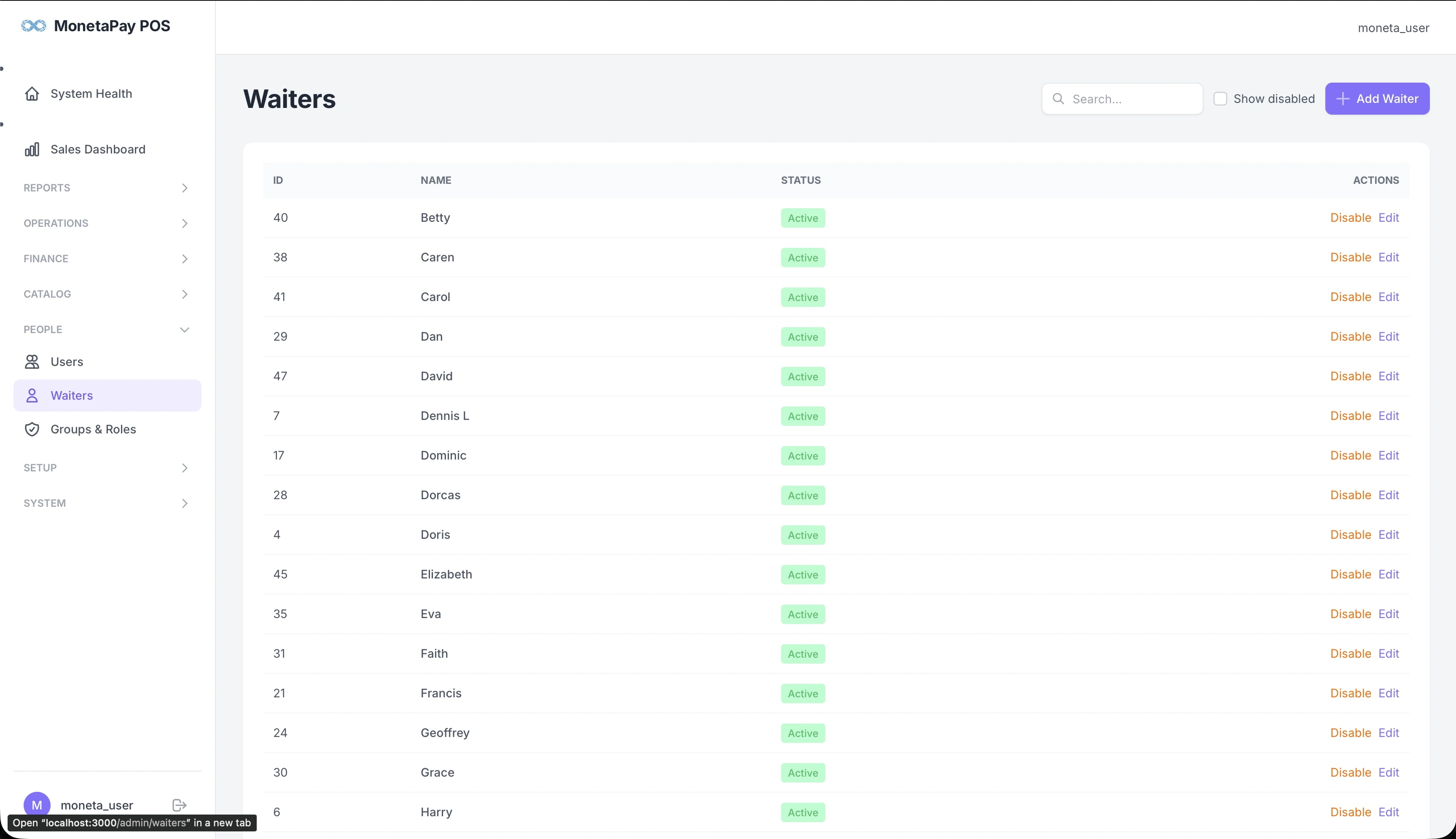
Overview
Waiters are the staff members who take orders from customers. Each waiter has a name, ID, and active/disabled status. When a waiter takes an order on the POS, their name is attached to the order for performance tracking and accountability.
Use this page to:
- Add new waiters
- Disable waiters who have left (without losing their historical data)
- Search for waiters by name
- View disabled waiters
TIP
The number of active waiters is limited by your license plan. Check License & HWID to see your current limit.
What You'll See
Search & Filters
- Search box — find waiters by name
- Show disabled — include deactivated waiters in the list
Waiters Table
| Column | Description |
|---|---|
| ID | Waiter ID number |
| Name | Waiter's name |
| Status | Active (green) or Disabled |
| Actions | Disable/Enable and Edit |
Adding Waiters
Click + Add Waiter to create a new waiter. You only need to provide their name.
TIP
Disable waiters instead of deleting them. This preserves their order history in reports like Staff Performance while freeing up a waiter slot on your license.