
Smart Stock
Auto-calculate ingredient consumption from sales using pattern matching.
Overview
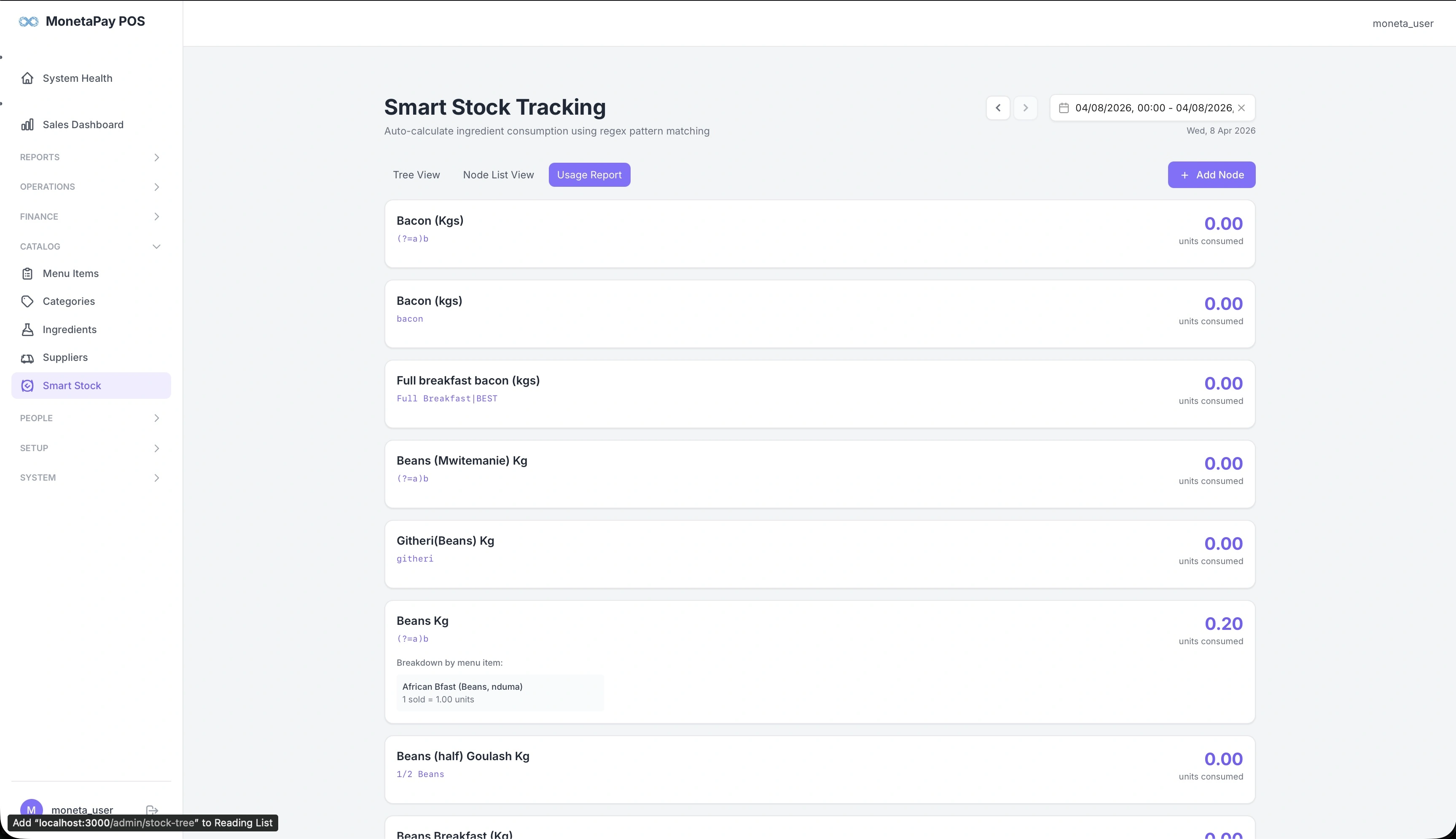
Smart Stock automatically estimates how much of each ingredient your restaurant has consumed based on what was sold. Instead of manually counting stock, the system uses pattern matching to link menu items to ingredients and calculates consumption.
For example, if you sold 10 "African Bfast (Beans, nduma)" and each contains beans, the system calculates how many units of beans were consumed.
Use this page to:
- View estimated consumption for each ingredient
- See which menu items drive consumption of each ingredient
- Compare estimated usage against actual purchases
- Identify waste or discrepancies
TIP
Smart Stock requires the Stock Engine feature to be licensed.
What You'll See
View Modes
Three tabs at the top:
- Tree View — hierarchical view of ingredients and their consumption
- Node List View — flat list of all stock nodes
- Usage Report — consumption summary for the selected period
Tree View
Each ingredient shows:
- Name — ingredient name with unit (e.g., "Bacon (Kgs)", "Beans Kg")
- Pattern — the matching rule used to link menu items (shown in gray below the name)
- Units consumed — estimated consumption for the selected date range
- Breakdown — expandable section showing which menu items contributed to consumption and how many units each sold
Adding Nodes
Click + Add Node to create a new stock tracking rule. You'll define:
- The ingredient to track
- The pattern to match against menu item names
- The conversion factor (how much of the ingredient each menu item uses)
WARNING
Smart Stock estimates are based on pattern matching and configured conversion factors. They are approximations — always verify against physical stock counts for high-value ingredients.